Remove image backgrounds, automatically and free
Upload an image and get a transparent PNG back in a few seconds. Three previews a day are free, no account needed. Pay only when you want the full resolution file.
Drop an image here
or paste from the clipboard
Choose a fileJPG, PNG or WebP, up to 25.0 MBNo image at hand? Try one
Your cutout appears here, ready to download as a transparent PNG.
Three steps, no editing skills
There is no brush, no lasso and no layer mask to manage. Drag the photo in and the subject comes back on its own with microscopic edge separation.
- 1
Upload the photo
Drag a file in, pick one from disk, or paste straight from the clipboard. JPG, PNG and WebP up to 25 MB.
- 2
The subject is detected
Our own cutout model separates the subject from the backdrop, isolating fine hair, pet fur and semi-transparent edges.
- 3
Download the cutout
Take the transparent PNG, or a flattened JPG on pure white if your product catalogue needs an opaque file.
 Original
 Cutout
Drag the handle. Hair against a plain backdrop is where most automatic tools fall apart.
What people cut out here
From retailers managing thousands of product shots to portrait photographers refining a lookbook.
Product photography
Put the same shoe on white, on a colour field, or in a lifestyle scene without reshooting it.
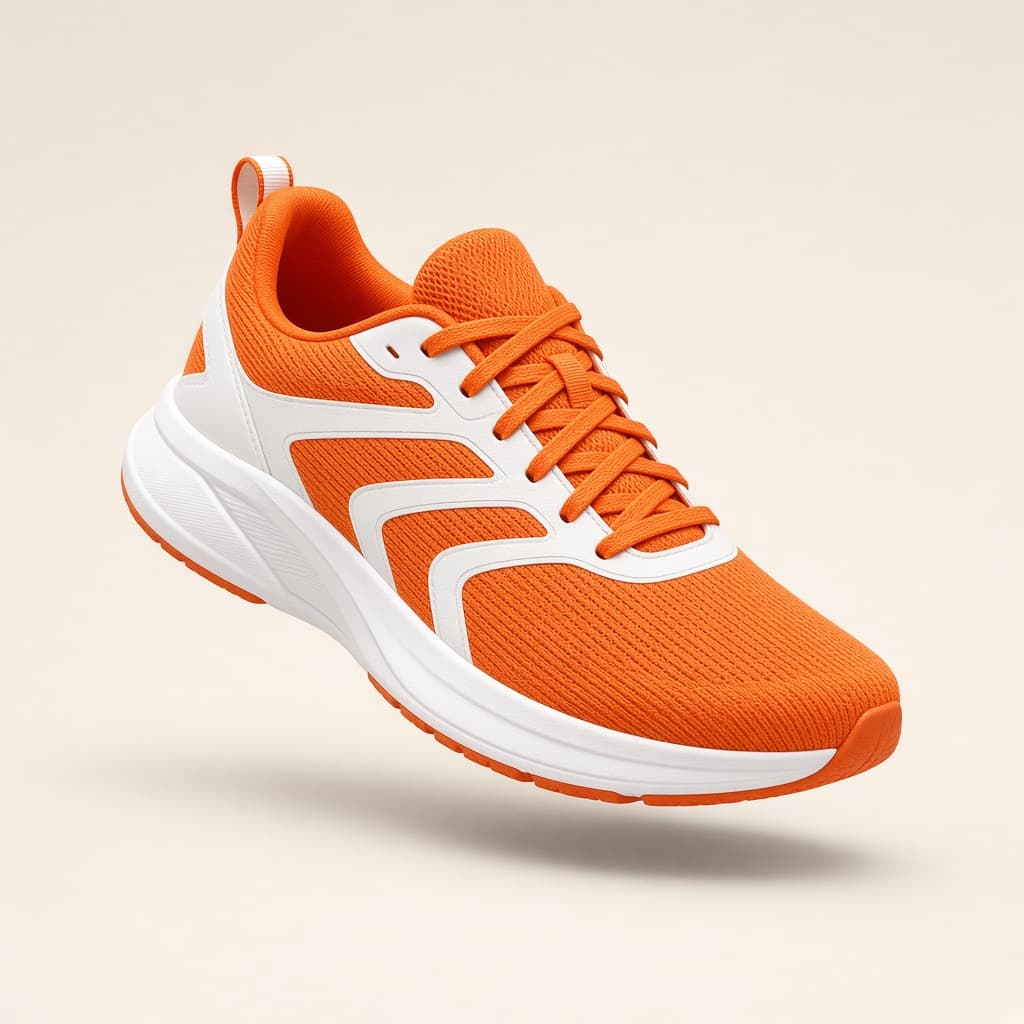 Seamless backdrop
People & portraits
Team pages, speaker line-ups and ID photos where the original room should not be part of the story.
Fine hair detailingMarketing assets
Cut the subject once and reuse it across banners, social posts and email headers at any scale.
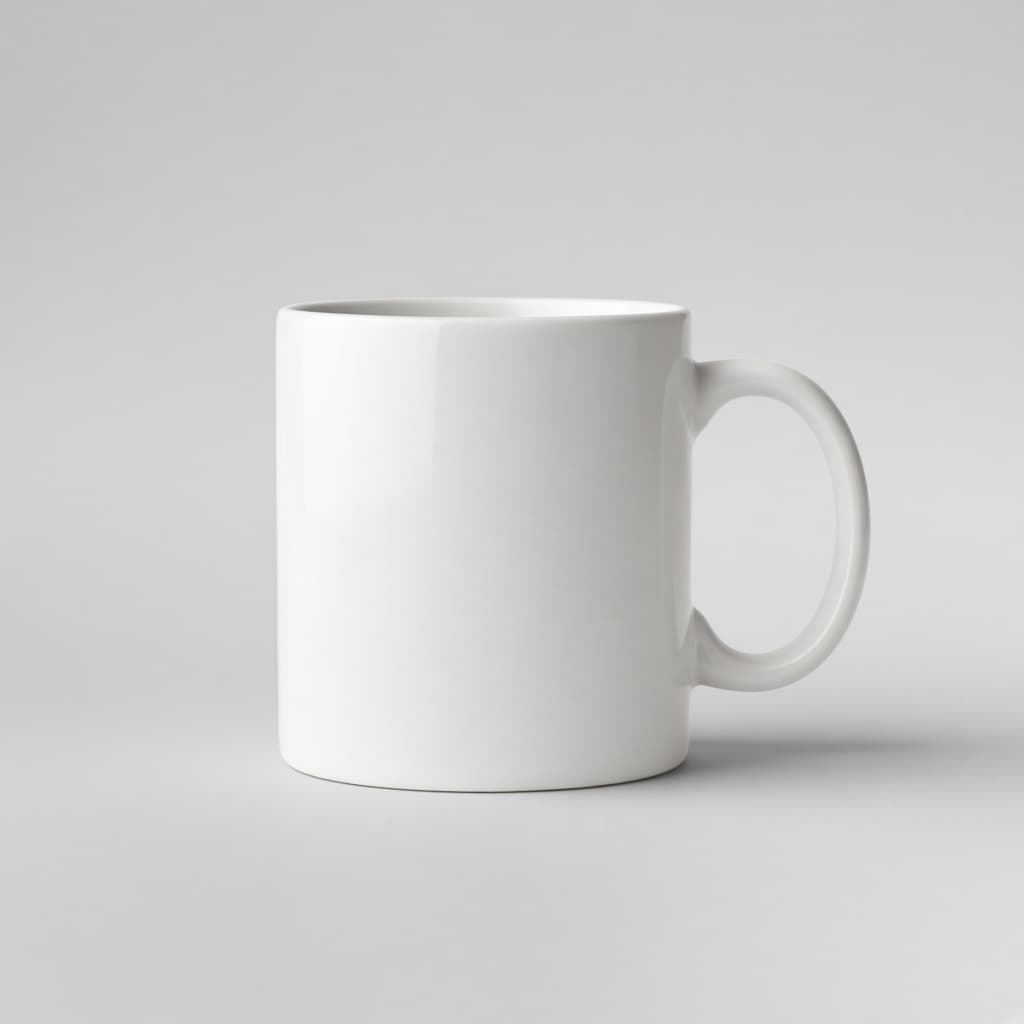 Soft contact shadow
Print & packaging
Full resolution files with a clean alpha channel, ready to drop into InDesign, Figma or Illustrator.
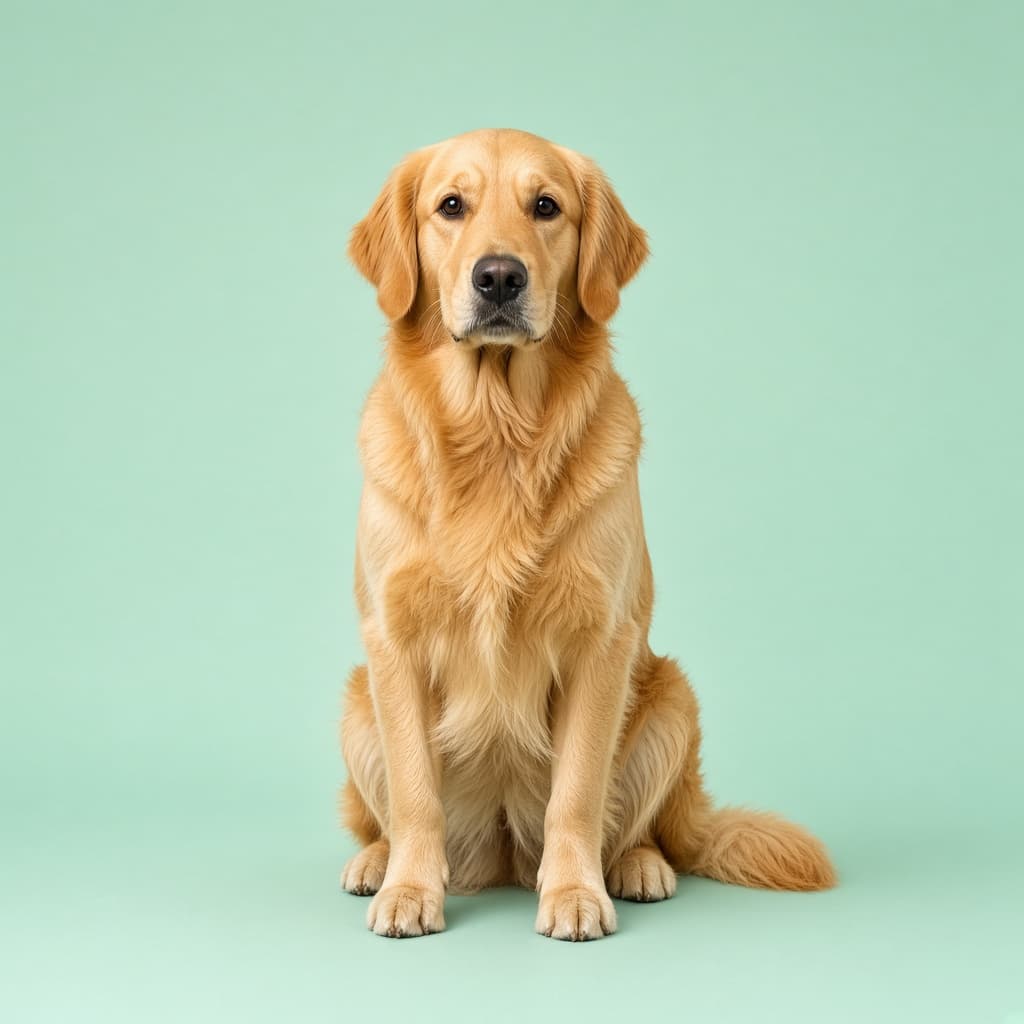 Fur separation alpha
Pay per image or by the month
Previews are always free. Credits are only spent when you download a full resolution cutout.
Buy a pack once. Credits stay in your account until you use them.
3 credits
Try it on a few product shots
10 credits
For a small batch
100 credits
Best value per image
One credit equals one image at full resolution. Prices are in US dollars and exclude any local taxes. Payments are handled securely by Stripe; we never see or store your card details.
Questions people ask first
What do I get for free?
Three previews a day, capped at 0.25 megapixels. They are complete cutouts, just small — enough to judge the edge quality before spending anything. A quick Cloudflare check keeps automated abuse out.
What does a credit buy?
One credit is one image at the resolution you uploaded, up to 25 megapixels. Credits from a pack stay in your account until you use them; plan credits are replaced at the start of each billing period.
Do you keep my images?
The original and the cutout are stored in your account so you can download them again later. Delete them whenever you like, and guests' files are only reachable with the signed link from their own session.
Ready to isolate your catalogue shots?
No subscription, no learning curve. Test it with your own photos in a few seconds.
Upload your first photo